- Installation Package: APK / MD5 Checksum
- Screenshots (06.09.2026):
I have programmed a small Android App to display measurements and plots from Siglent DMMs. It should support all current Siglent models: SDM3045X, SDM3055, SDM3065X, SDM4055A and SDM4065A. I have tested it with my own SDM3055 and SDM3065X meters.
Note the hostname of your Siglent DMM must be entered before any connection can be made. Once you have entered your own hostname it will be saved permanently and used in the future.
The measurement is done via SCPI commands as described in Siglent SDM Series Programming Guide, section 5 "MEASure Subsystem" with the default settings and with AUTO range. The plotting function is nice for observing trends, but don't expect it to replace an oscilloscope (expect 1-2 samples per second).
The interval between measurements can be specified independently for the measurement and plot windows. If the interval is configured identical for measurement and plot windows, then the plot buffer will be updated both for measurement or plot window, else the plot buffer will only be updated even when using the plot window.
The switch "Automatic Interval Increase" allows to increase the measurement or plot interval automatically based on measured duration of the measurement. It is useful to find out the typical duration of a DMM measurement, e.g.:
- Switch on "Automatic Interval Increase".
- Start with a small value for Measurement Interval, e.g. 0 ms.
- Switch to measurement window and observe for 1-2 minutes the measurements updating.
- Beware - if you observe during very long time, you may catch untypical "outliers" due to network or DMM variance, raising the interval to an unnecessary high value.
- Switch to settings window and check the Measurement Interval has been automatically increased to e.g. 765 ms.
- Switch off "Automatic Interval Increase".
- Repeat the above steps for the Plot Interval.
- Now you may want to configure Measurement Interval to 2000 ms and Plot Interval to 1000 ms and keep "Automatic Interval Increase" switched off.
The floating action button (X Symbol) shown at bottom right of the plot window allows to clear the plot data buffer.
This App is by no means a replacement for the Siglent EasyDMM software. It is my quick-and-simple tool to start some experiment in my workshop and monitor the progress on the mobile phone so I can watch netflix (or do household chores) during the experiment.
Changes:
- 08.08.2026 V1.0 First version released.
- 11.08.2026 V1.1 Default setting is now an empty hostname and a notice at the bottom line. Optimized timing when setting new hostname. Plot window now has a floating action button to clear plot data.
- 15.08.2026 V1.2 Settings entry and plausibility checks improved.
- 24.08.2026 V1.3 Dimensions and positioning refined for plot window.
- 26.08.2026 V2.0 Dimensions and positioning now auto-adjusting for plot window. "Screen Configuration" setting now obsolete.
- 01.09.2026 V2.1 Show start/end time for plot window data.
- 06.09.2026 V2.2 Configure/Use measurement/plot interval instead of extra delay added
- 17.09.2026 V2.3 Improvements of internal debug messages after measuring.
Screenshots (06.09.2026)
Settings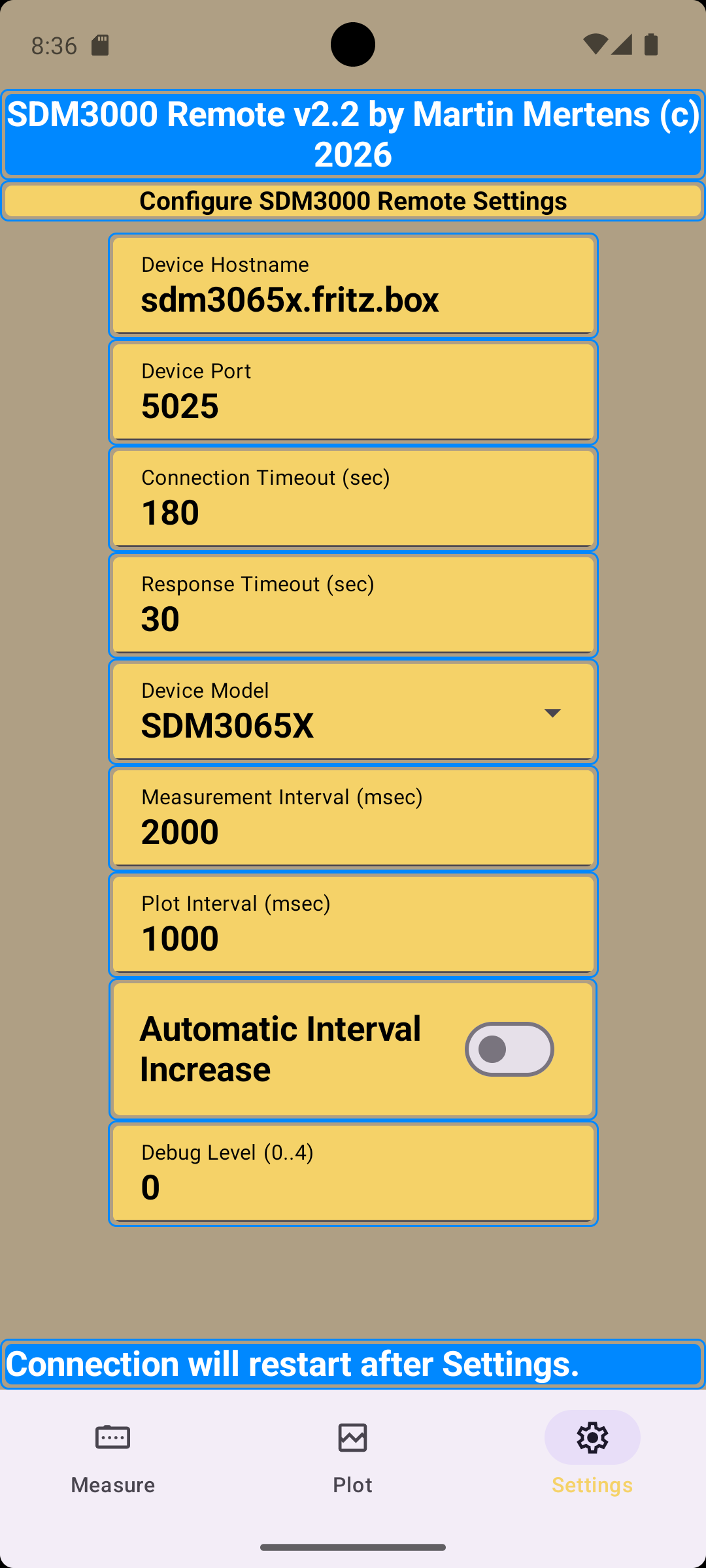
|
Measurement Mode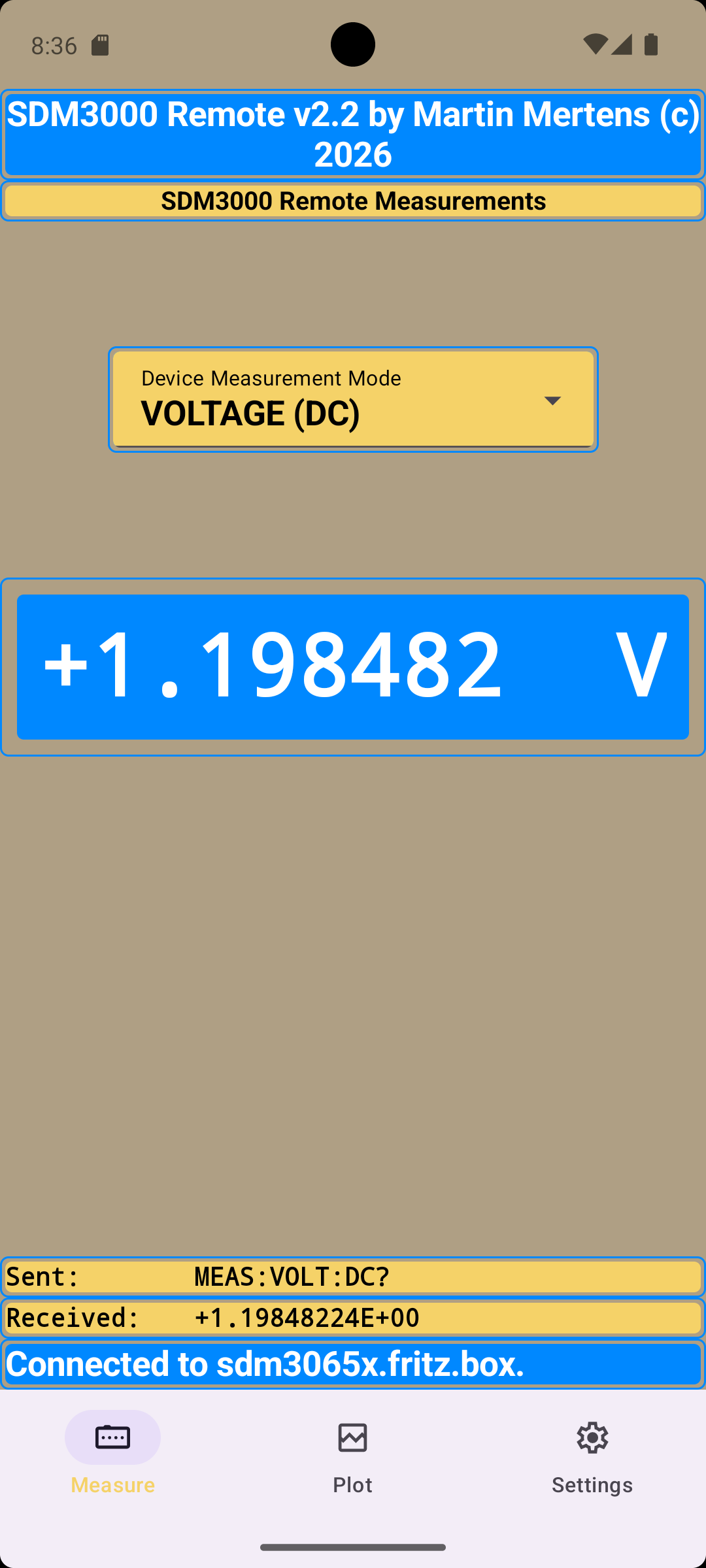
|
Plot Mode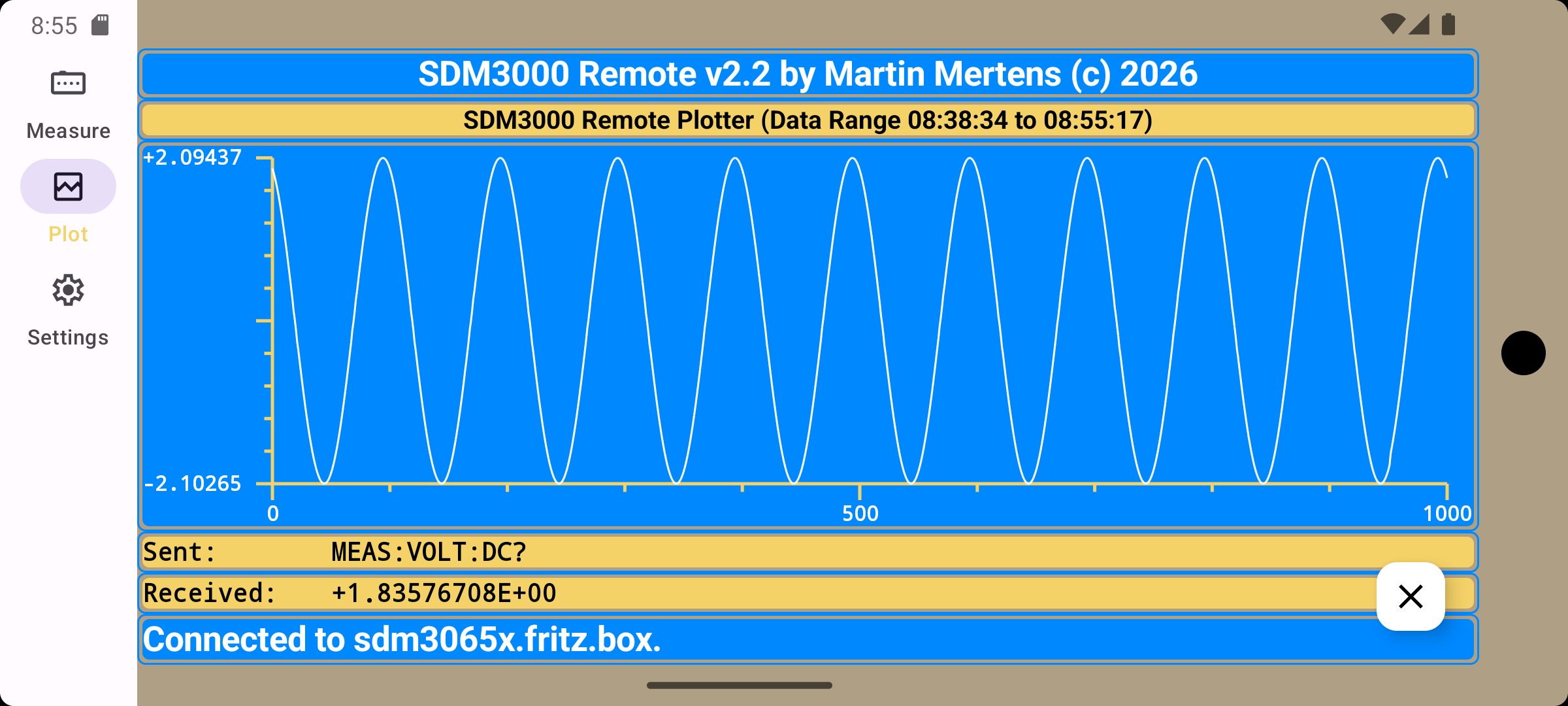
|
|